For anyone watching on mobile data or a capped home plan, one question matters: how much data does streaming actually consume? The answer depends almost entirely on picture quality. Understanding the numbers helps you enjoy Siiir TV streaming app without the end-of-month shock of an exhausted data bundle.
This guide breaks down typical hourly usage at each quality level and shares habits that cut consumption dramatically without ruining the viewing experience.
Live content and on-demand content use data differently, which is worth understanding. A film streamed from a file can be delivered at a steady, predictable rate. Live channels — especially sports — are encoded in real time and often run at higher, more variable bitrates. That is why an evening of live football can use more data than an evening of films at the same quality setting.
Typical Data Use Per Hour
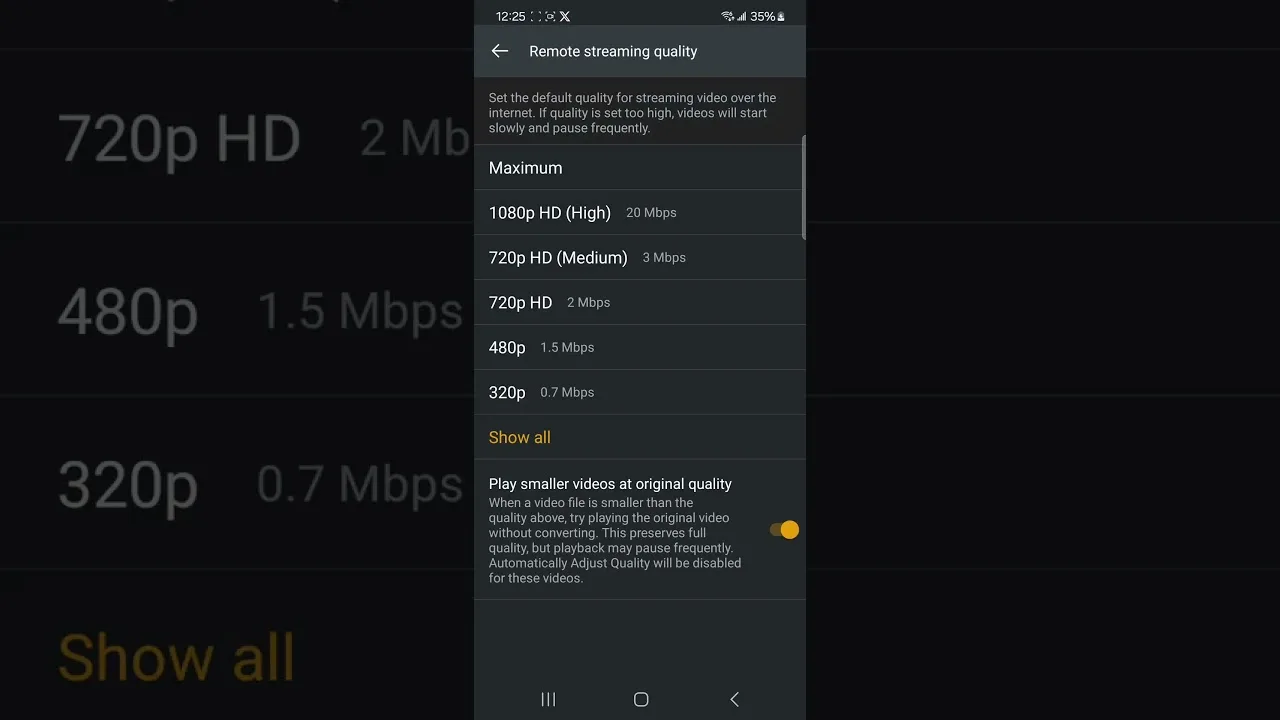
Standard-definition streams usually consume roughly 0.5 to 0.8 GB per hour. High-definition streams use about 1.5 to 3 GB per hour depending on the source and how much motion is on screen. Sports and action content sit at the top of the range because fast-moving pictures are harder to compress.
That means a two-hour film in HD can use around 4 to 6 GB. Watched daily on a mobile plan, streaming becomes the dominant item in your data usage within a week, which is why quality choices matter so much for mobile viewers.
Audio-only or very low quality modes, where available, use a fraction of the data — as little as 0.1 GB per hour. They are a smart fallback for listening to commentary, news, or talk content when the picture barely matters and the data budget does.
To make the numbers concrete: a week of watching two hours of HD live content every evening adds up to roughly 30 to 40 GB. The same habit in standard definition uses about 8 to 11 GB. That gap — nearly four times — is the whole argument for treating quality as a budget decision on limited plans.
Why Quality Settings Decide Everything
Data use scales with bitrate, and bitrate is chosen by the quality setting. Dropping one quality level often halves consumption while still looking perfectly good on a phone screen. On a six-inch display, most viewers cannot see the difference between the top two quality tiers during normal viewing.
The settings walkthrough in our guide to the best settings for smooth playback shows how to cap quality on mobile data while keeping Wi-Fi viewing at full quality.
Another hidden factor is the device doing the streaming. When a phone casts to a TV, some setups stream through the phone, so data passes over mobile data even though you are watching at home if the phone is not on Wi-Fi. Always confirm the phone is connected to the home network before casting a long event.
Watch on Wi-Fi Whenever Possible
The simplest data-saving rule is to stream on Wi-Fi and save mobile data for short sessions. At home, work, or anywhere with a trusted network, your viewing costs nothing against your mobile bundle. Save the long matches and films for Wi-Fi.
If you regularly watch live events away from home, plan around them. Our guide to watching live TV and sports includes preparation tips that pair well with data-conscious viewing.
Public Wi-Fi deserves a word of caution. Hotel and café networks are convenient for travel viewing, but they are often slow at peak evening hours and shared with hundreds of guests. Download or plan short sessions rather than relying on them for a full match, and avoid signing into sensitive accounts on open networks.
Track Usage in Android Settings
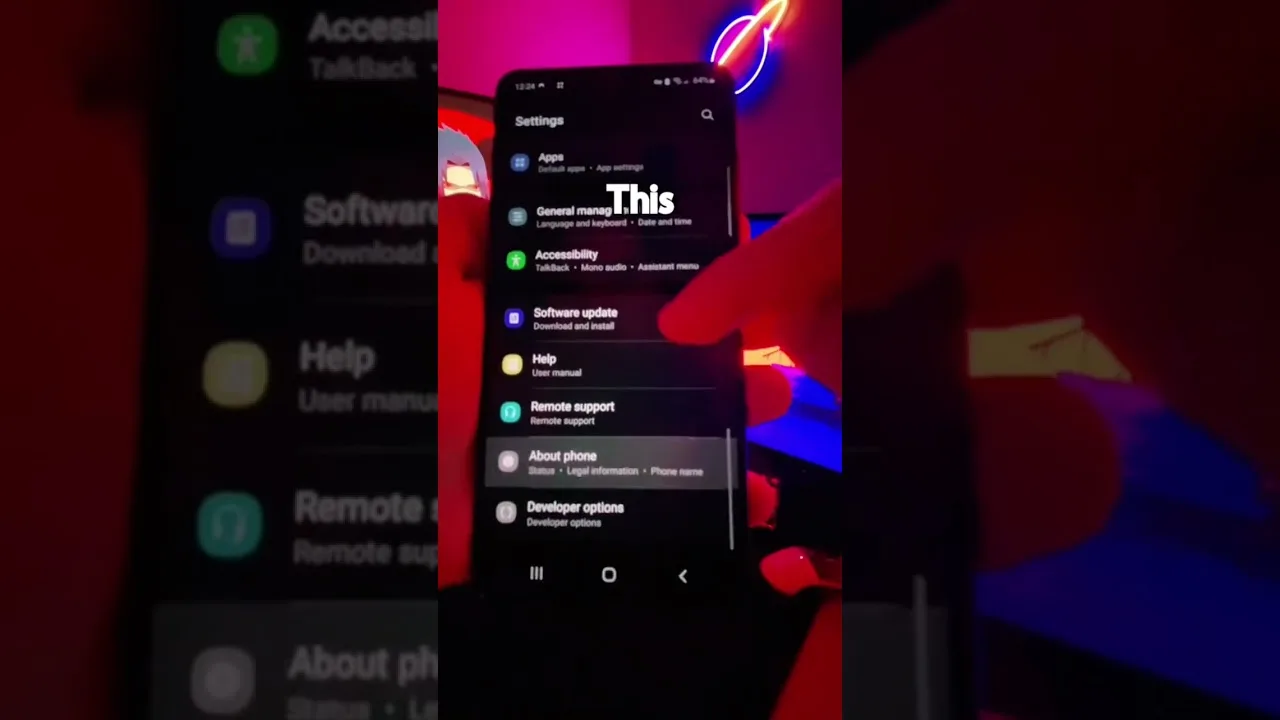
Android itself can tell you exactly how much data the app has used. Open Settings, then Apps, find Siiir TV, and check its data usage page. You can also set a mobile data warning or limit at the system level so you get an alert before the bundle runs out.
Checking once a week builds an accurate picture of your real habits, which is far more useful than generic estimates. If usage is higher than expected, the quality settings are the first place to adjust.
Most Android phones also offer a per-app mobile data toggle. If Siiir TV is your main entertainment app, you can even block its mobile data access entirely during tight months and let it work on Wi-Fi only. That hard limit is more reliable than willpower when a big live event tempts you.
Final Thoughts
Streaming data use is predictable once you know the per-hour figures for each quality level. Watch in HD on Wi-Fi, drop a level on mobile data, and keep an eye on Android's built-in usage tracker. With those habits, Siiir TV fits comfortably inside most data plans.