A phone screen is convenient, but films, series, and live matches deserve a bigger display. The good news is that Siiir TV TV app viewing is not limited to handheld devices. With an Android TV, a TV box, or simple casting, the same app and the same categories move to the television in your living room.
This guide compares the main methods, explains what each one needs, and shares the setup details that make large-screen viewing smooth rather than frustrating.
Choosing between the methods comes down to three questions: does your TV run Android, how strong is your Wi-Fi in the living room, and who else uses the television? A dedicated install suits a household TV that everyone shares, while casting suits personal viewing on a TV that is not yours, such as in a rented room or a hotel.
Option One: Install on Android TV or a TV Box
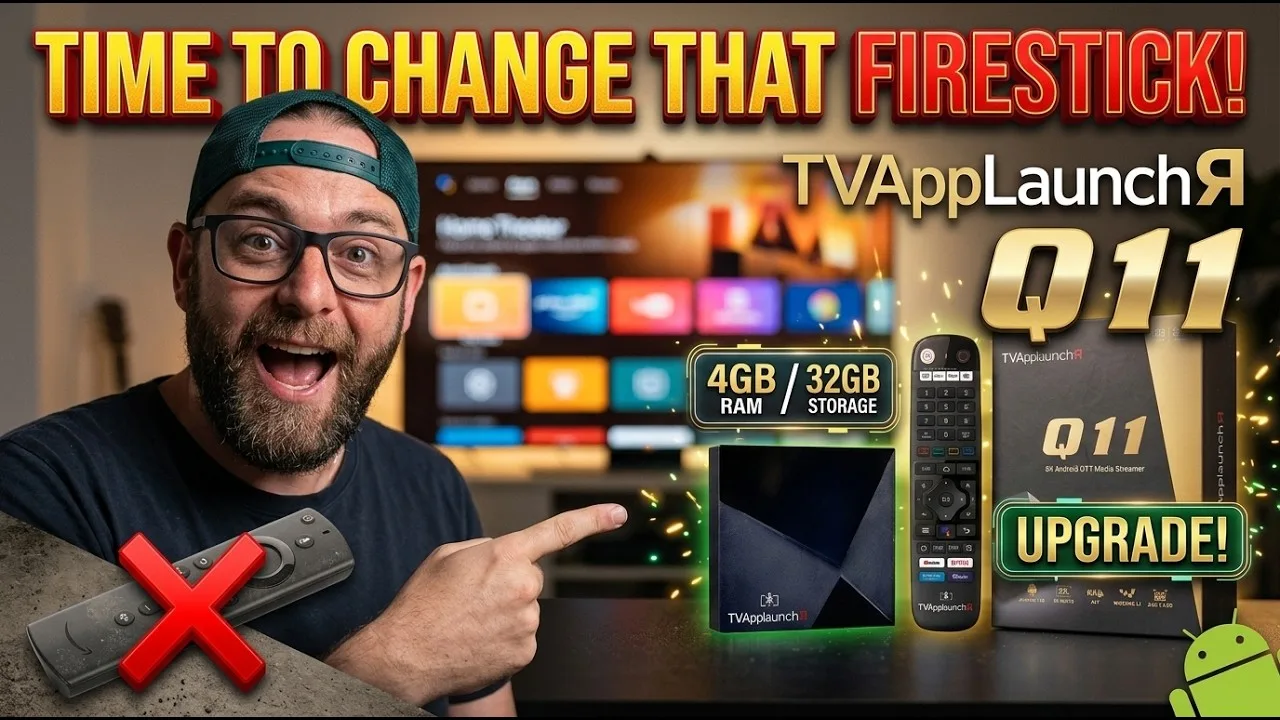
If your television runs Android TV or you have an Android TV box, installing the app directly is the cleanest option. The interface scales to the big screen, the remote handles navigation, and there is no dependency on your phone once everything is set up.
Before installing, confirm your TV hardware is up to the job. Our device compatibility guide covers televisions and boxes alongside phones and tablets, including the Android versions that work best.
Storage on televisions is often limited, so keep an eye on it. TV boxes with 8 GB of storage fill up quickly once several streaming apps and their caches accumulate. Installing Siiir TV and removing apps nobody watches keeps the box responsive, and the interface will feel faster for it.
Option Two: Cast From Your Phone
Casting keeps the app on your phone and sends only the picture to the TV. It is quick to start and ideal when the television is not a smart model or belongs to someone else. Your phone acts as the remote, which many people find easier than a TV remote for browsing categories.
The trade-off is that your phone stays busy and its battery drains faster. Casting also depends heavily on Wi-Fi quality, because the stream effectively crosses your network twice. Keep the phone charged and close to the router for long sessions.
Screen mirroring is the fallback when proper casting is unavailable. Mirroring copies your entire phone display to the TV, including notifications, so enable Do Not Disturb before starting. It works on almost any smart TV, but the picture quality and smoothness are usually a step below a direct install or true casting.
One advantage of casting that is easy to overlook is portability of your setup. Your categories, favourites, and progress live on your phone, so the same personal arrangement appears on any television you cast to — at home, at a friend's house, or in a holiday rental — without setting anything up again.
Connection Tips for the Big Screen
Large screens expose every weakness in a stream. A quality level that looked fine on a phone can look soft on a 50-inch TV, and brief buffering that was easy to ignore becomes glaring. If your TV or box supports a wired Ethernet connection, use it — it is the single biggest stability upgrade for living-room viewing.
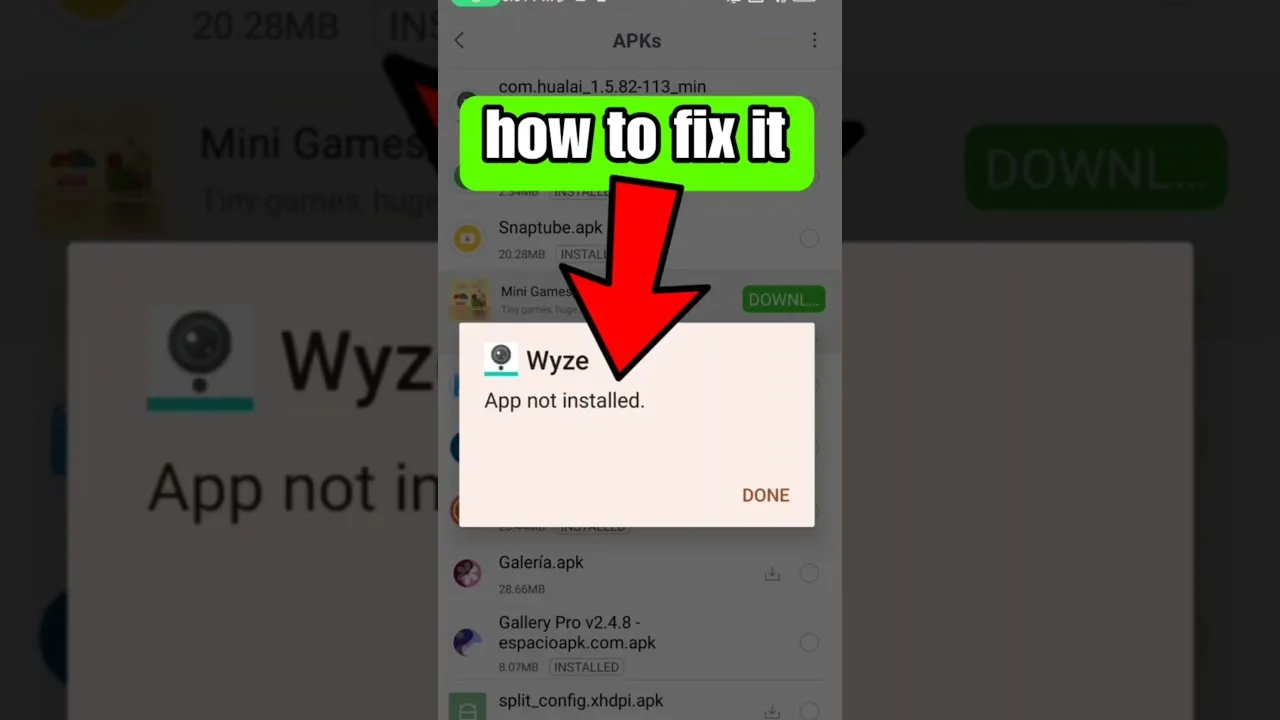
First-time setup on any device follows the same pattern. If the TV is your first install, our step-by-step guide to installing the APK on Android walks through the permissions and prompts you will see.
Router position deserves attention in living rooms specifically. Routers hidden inside cabinets or placed on the floor behind the TV unit lose a surprising amount of signal. Raising the router onto a shelf and keeping it in the open often improves TV streaming more than upgrading the internet package would.
Making It Comfortable
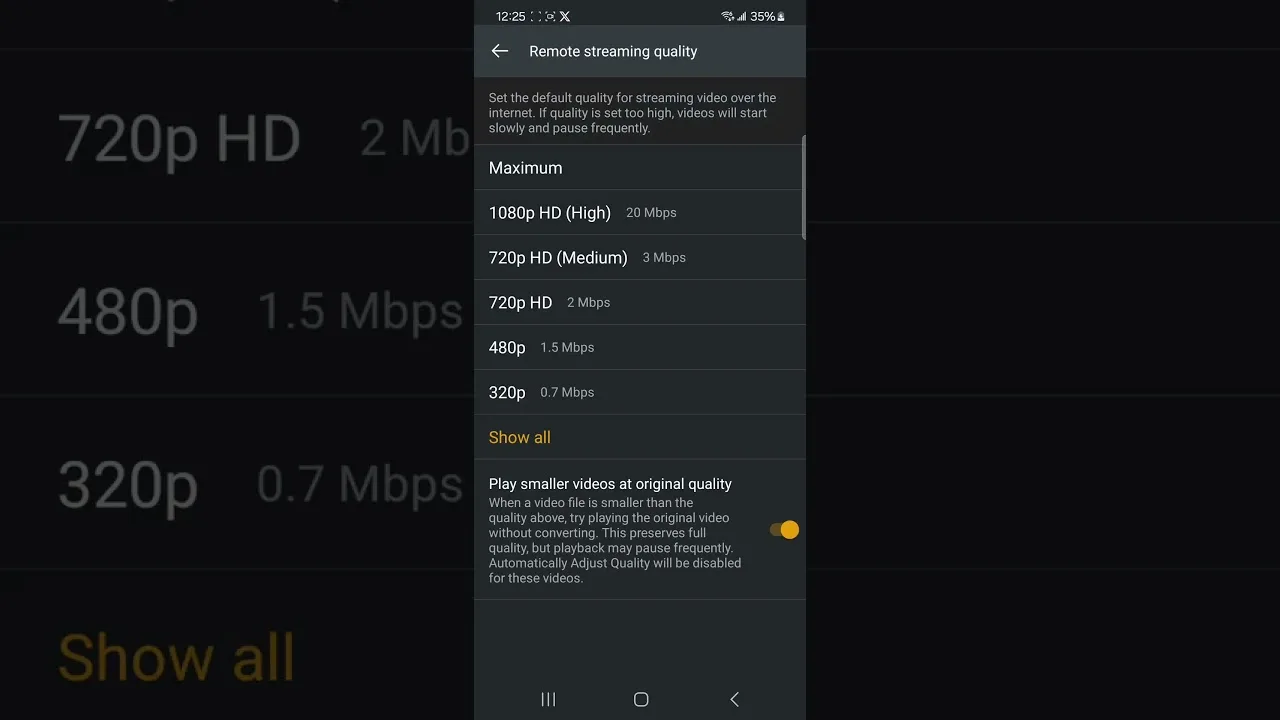
Sit at a sensible distance, set the TV's picture mode to a natural preset rather than a vivid shop mode, and raise the in-app quality one level if your connection allows it. For evening viewing, many TVs have an eye-comfort or warm mode that reduces fatigue during long films.
Sound matters too. A basic soundbar or even the TV's dialogue-enhancement mode makes series and films far easier to follow than phone speakers ever could, completing the big-screen upgrade.
For shared viewing, agree the practical details in advance: who holds the remote, which categories are favourited on the home row, and how the volume is handled. Small things — like pinning the sports and film categories where everyone can find them — make the shared setup feel effortless rather than technical.
Final Thoughts
Moving Siiir TV to the television is mostly about choosing the method that fits your hardware: direct install for Android TV owners, casting for everyone else. Add a stable connection and a few comfort tweaks, and the living-room experience comfortably beats watching on a phone.