Most streaming problems begin before the app even opens: the installation itself fails. Android's error messages are famously unhelpful — 'App not installed' tells you nothing about why — but each common failure has a recognisable cause and a reliable fix. This guide covers the errors users meet when installing Siiir TV latest version builds, explains what each message really means, and gives the shortest path to a working install.
Work through the errors in the order they tend to appear. And if your problem is not installation at all — the app installs but misbehaves afterwards — skip ahead to the section at the end, which points to the right troubleshooting guide.
'App Not Installed': The Catch-All Error
This message usually means one of three things: the downloaded file is incomplete or corrupted, an older conflicting version is already present, or the phone lacks free storage to finish the job. Start with the simplest check — confirm you have at least a few hundred megabytes free, then download the file again from the download page in case the first copy was cut short.
If a previous version exists, update over it rather than installing a second copy. If Android still refuses, uninstall the old version first and then install fresh; your settings reset, but the conflict disappears. This error also appears when a file was renamed or shared through messaging apps that compress attachments, so always install from the original download.
Also check for duplicate installers. If you have downloaded the file several times, your Downloads folder may hold several similar files, some incomplete. Installing the wrong near-identical copy is a classic source of confusion; sort by date and use only the newest, or delete the older copies entirely before trying again.
'Parse Error': The File Cannot Be Read
A parse error means Android cannot understand the file at all. The most common cause is an interrupted download that looks complete but is missing its ending — the file size will be smaller than expected. Downloading again on a stable connection fixes the large majority of parse errors.
The second cause is a genuine mismatch: a build made for a much newer Android version than the phone runs. Check the compatibility notes for your device class, and if your Android version is very old, that — not the file — is the problem to solve first.
'Blocked by Play Protect' and Permission Prompts
Android scans sideloaded apps and sometimes shows a warning screen. This is a standard checkpoint for any APK installed outside the Play Store, not a verdict that the file is harmful. Review the prompt calmly: if you downloaded from the source you intended, you can proceed; if the prompt names a different app than the one you expected, stop and re-download.
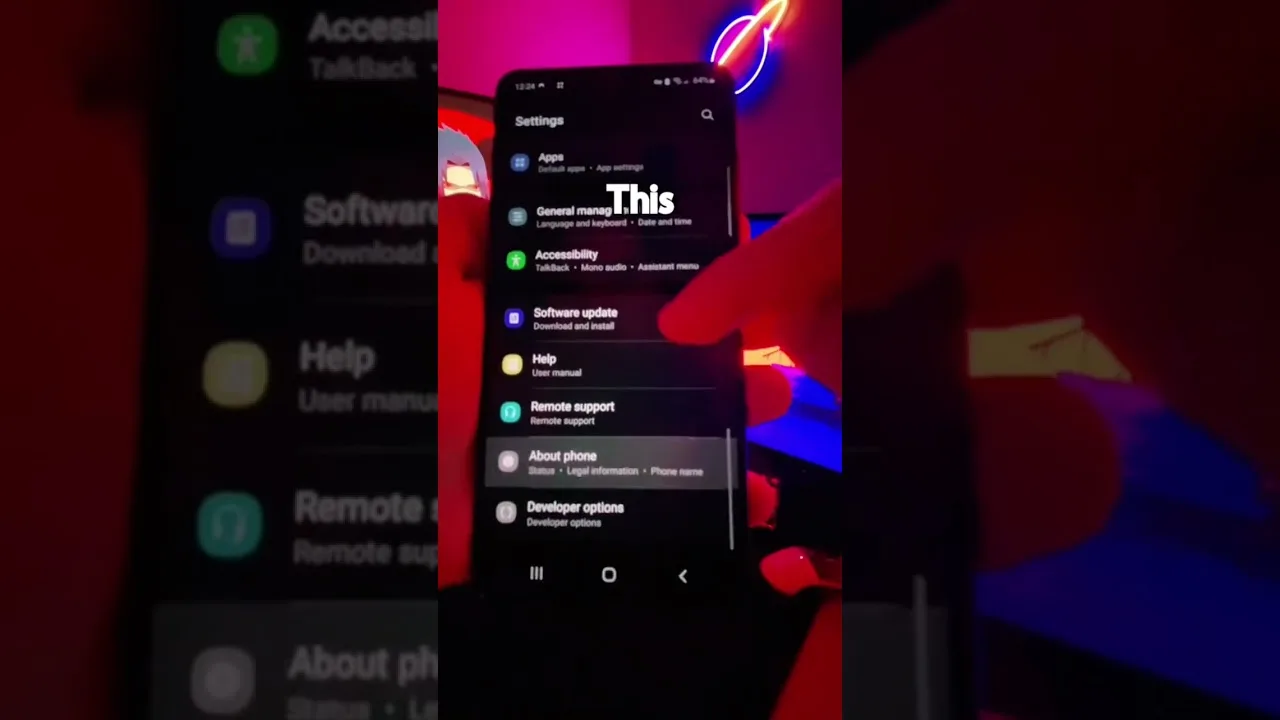
Separately, the 'install from unknown sources' permission is per-app: your browser or file manager needs it individually. Granting it to the Files app does not automatically grant it to Chrome. Our main installation guide shows exactly where this setting lives on modern Android versions.
If installation is blocked entirely by a work or school device policy, that is an administrator restriction, not an app problem — sideloading is disabled by design on managed devices. Use a personal device instead; there is no legitimate in-app workaround for an organisational policy.
Install Succeeds but the App Will Not Open
When installation completes but the app crashes on first launch, the cause is usually leftover data from a previous install or a device that is short on memory. Clear the app's cache from Android settings, restart the phone, and try again. A surprising number of first-launch crashes never return after one clean reboot.
If the app opens but channels or categories misbehave, that is a runtime problem rather than an installation one. Our not working guide covers those cases — empty lists, failed playback, and login or loading loops — in the order you should test them.
A rarer case: the app opens to a blank or black screen and stays there. Give it a full minute on first launch — initial setup on a slow device can look frozen when it is not. If it persists, clearing the cache and relaunching almost always resolves it, because the blank screen is typically a corrupted cached layout rather than a broken app.
Final Thoughts
Installation errors feel alarming but are almost always mechanical: a bad file, a missing permission, low storage, or a version conflict. Re-download cleanly, grant the right permission to the right app, keep storage headroom, and Siiir TV installs in minutes. When in doubt, start again from a fresh download — it is the single fix that resolves most cases.